How to Safely Dispose of Out-Of-Date Computer Equipment

Used or broken computer parts require special disposal due to the risk of toxic substances leaking into water and soil. Options for responsible disposal include choosing to recycle, donate, or sell computer parts. SellGPU buys used computer parts with a fast online quote and free mailing box. Here is more information about safely disposing of out-of-date computer equipment:

Electronic Waste Recycling Centers

E-waste recycling centers properly dispose of old computers or electronic parts by shredding the pieces and sorting through them for reusable metals. Many items contain gold, silver, platinum, or palladium, which are reusable when properly collected. Recycling centers also sort non-metallic items and send plastic to be used in new products.

Check with your local government for information on where to find electronic recycling centers, their operating hours, and what items they take. This information may be available in a brochure or on their website. Some technology-based companies also accept electronics for recycling.

Local Recycling

City governments may have specific days or weeks of the year when old electronics can be left on a curb for collection or taken to specially designated bins around the area. Some recycling centers or secondhand companies charge for e-waste, while sponsored recycling days can provide residents with a free, convenient option. Contact your local government for more information on the next responsible recycling event.

Donation

Most old computer hardware is still usable and can be reused or repurposed. Several nonprofits and educational programs accept used electronics. These donations give others access to technology and help stretch the limited budget of schools. Call local charities or schools to see if they accept hardware donations.

Some national organizations accept functioning computer parts to refurbish and give to communities or individuals in need. Others will accept unusable devices for their parts and use the proceeds to fund their programs. These donations may be tax-deductible, so make sure to get a receipt.

Trade-in 

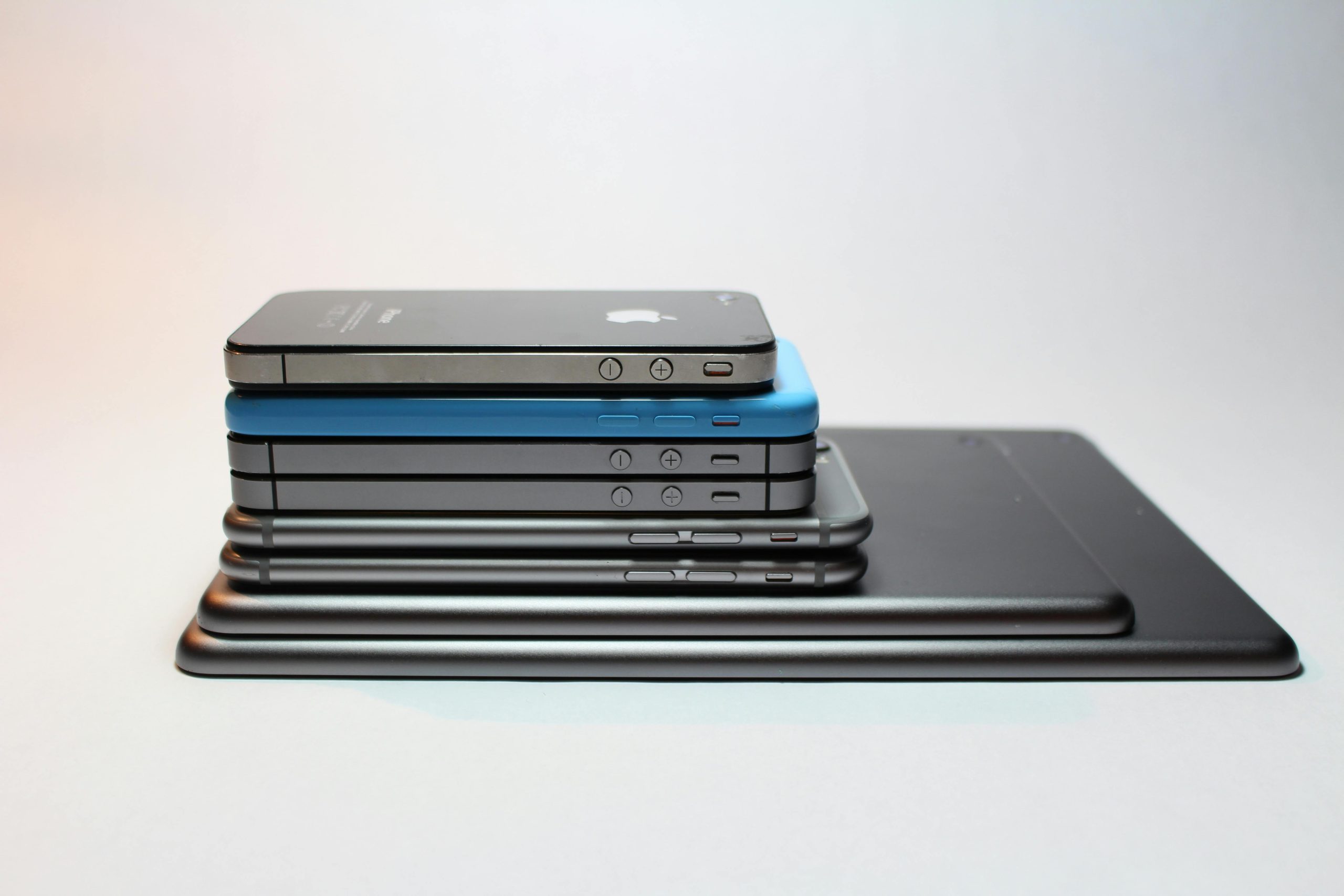
Some major manufacturers and licensed dealers offer trade-in programs for used electronics. Trade-ins are a convenient way to upgrade your old equipment without contributing to e-waste. Companies will reuse or refurbish your used products and may provide free shipping so you don’t have to visit in person. Research your brand-name electronics to determine if this is an option for your device model. Cell phones, laptops, and tablets are common items eligible for trade-in deals. 

Sell 

The secondhand electronics market is robust and offers sellers many options, including online listings, pawnshops, and dedicated used electronic retailers. Evaluate the available choices and pick a reputable platform before listing an item. SellGPU gives you an instant quote for your parts and provides a free USPS pickup. Certain manufacturers and models of products retain their value better than others, so research a fair price before trying to sell computer items.

Reasons To Choose Proper Disposal

Instead of being thrown away or stored in the back of a closet, projectors, televisions, phones, and computers can be recycled. Digital and electric items contain recyclable materials and ones that are harmful to human and environmental health. Sustainably disposing of electronics helps prevent the need to create new materials and saves significant energy.

One study found the average American household uses roughly 28 electronic devices. Each year, Americans generate millions of tons of consumer electronic goods. Responsible electronic disposal extends the lifecycle of these materials and contributes to the creation of new green jobs.

How To Take Safety Precautions 

Digital equipment stores private data you’ll want to remove before selling or recycling. Begin by creating a backup of any files or data you need, and then wipe the drive using a secure method. Before you sell computer drives, re-install a clean copy of any software to avoid performance issues. To sell a smart TV, log out of any applications and reset it. These precautions protect your information and make the device easier for the new owner to use.

Sell Computer Parts at SellGPU

Proper electronic disposal has many benefits, including environmental conservation and energy savings. When selling your computer parts, prices can vary and depend on factors such as the item’s age and condition. SellGPU buys computer parts, gaming consoles, IT equipment, and other used electronics at fair prices. Get an online quote from us today.

4 Tips for Preparing Your Computer or Console for Trade In

Trading in your old computer or console allows you to upgrade to the latest model while recouping some of your investment. SellGPU will purchase and sell pre-owned computer components and gaming hardware. We also offer secure data-wiping services to make sure all of your personal data is removed from your old devices. If you want to take advantage of a computer or console trade in, follow these four tips:

1. Back Up Your Data

By backing up your data, you can keep and protect your files, personal information, and game progress. This can include documents, photos, and other backup files. Backing up your data also makes your information readily accessible so you can transfer it to your new device when you upgrade. Taking these precautions can protect you from potential data loss and corruption during the trade in process.

2. Disconnect Removable Components

Disconnect removable components from your device before sending it in. Removable components can include flash drives, USB hubs, Bluetooth devices, or cords. This helps protect your personal data and information and reduces the risk of damage during transit, as loose components can cause internal damage to your computer. Removing them also allows you to use them with your new computer or console once you complete the trade in. 

3. Reset To Factory Settings To Wipe Your Data

Resetting to factory settings effectively erases all user data, settings, and applications from the device. This can remove your personal information, documents, and passwords, which protects against unauthorized access to your sensitive data. You should also reformat your drive to make sure no files are left behind. This erases all existing history and renders it irretrievable to the next owner of the device. It also makes sure the new owner receives a fully functional device that is free from prior customizations.

SellGPU can wipe files that remain on your computer after trade in. Our data-wiping process follows industry standards to securely erase any information before we sell your device.

4. Clean the Computer’s External Components

Before sending your device to SellGPU, we ask that you disinfect your computer or console’s screen, keyboard, and surface. This allows it to have a clean and well-maintained appearance that enhances the presentation of your device. Regularly cleaning your device can also protect it from dust and dirt buildup or any debris that could damage it. This also helps enhance its trade in value. 

Request a Quote for Your Console Trade In Today

Following these steps can help you remove private data from your electronics, save your files, and clean your computer for trade in. SellGPU purchases computers, computer components, and gaming hardware. We offer fast and free quotes. If you accept, you can pack your computer or console and drop it off at your nearest post office. After receiving and testing your equipment, we will send your payment within three days so you can upgrade your equipment or device. Get a quote today to see what your computer or console trade in is worth. 

5 Benefits of Selling Your Used Electronics

Many electronics contain toxic substances, making them unsafe to throw away. These items should be disposed of properly to keep them out of landfills. At SellGPU, we promote safe disposal by helping you recycle or sell PC parts, IT equipment, gaming consoles, and more. Here are five benefits of selling your used electronics:

1. Protect the Environment 

Selling your old electronics protects the environment and community from pollutants that could cause adverse health effects. Computers and other e-waste can leach hazardous materials into the soil, water, and air. These contaminants, including lead and mercury, are harmful to humans and animals. Electronics also contain precious materials that are infinitely recyclable when processed correctly. Selling your outdated devices to our secure service helps minimize environmental pollution and promotes responsible electronic recycling and disposal.

2. Safeguard Your Data

Professional recycling services like ours prioritize data security during the disposal process, protecting your privacy. At SellGPU, we employ secure data erasure or destruction methods to make sure the sensitive information stored on your electronic devices is permanently removed. If you accidentally forget to factory reset your device, we will wipe any confidential data or personally identifiable information left on the drive. This is beneficial for protecting individuals and companies against identity theft and data breaches.

3. Free Up Storage Space

Unusable electronics can be sold for refurbishment or recycling rather than occupying your home or office space. Professional refurbishers and hobbyists will restore items or recycle working components that you no longer need. They can fix issues like cracked screens, slow performance, and unsightly dents, even if the device has been stored for several years. Platforms like SellGPU will take broken or used devices through a mail-in process, conveniently increasing your home’s storage space.

4. Upgrade Old Devices

Offset the cost of upgrading to a new phone, game console, or computer by selling your old devices. Before discarding, research your items to determine their resale value. Selling old devices can provide you with a competitive payout and give unused items a second life. You can sell PC parts, phones, or other electronics. Trade-in programs like ours are an easy way to swap an old device and upgrade to a new one.

5. Benefit Communities 

Secondhand electronics help make technology available to underprivileged communities. Those who cannot afford brand-new devices can utilize used electronics to access various communication, education, and employment resources. Some used electronics may also make their way into schools or vocational training programs, supporting youth and career advancement.

Where To Sell PC Components 

Selling unused or broken electronics to a trusted professional service is a responsible disposal solution. Hazardous materials can make these devices dangerous to store for long periods, and proper discarding should be prioritized. Selling your old PC, laptop, or computer components is a good way to support the environment and free up storage space in your home. At SellGPU, we make disposing of or finding a second life for old electronics simple and fast. Get a quote online today.

5 Computer Components That Can Be Recycled

Electronic waste has several toxic substances and should not be combined with regular trash. You can recycle or sell computer parts to help prevent toxic pollution. SellGPU makes selling computer parts and pre-owned IT or gaming hardware convenient. Here are five items you can recycle the next time you upgrade your electronics:

1. Graphics Processing Unit

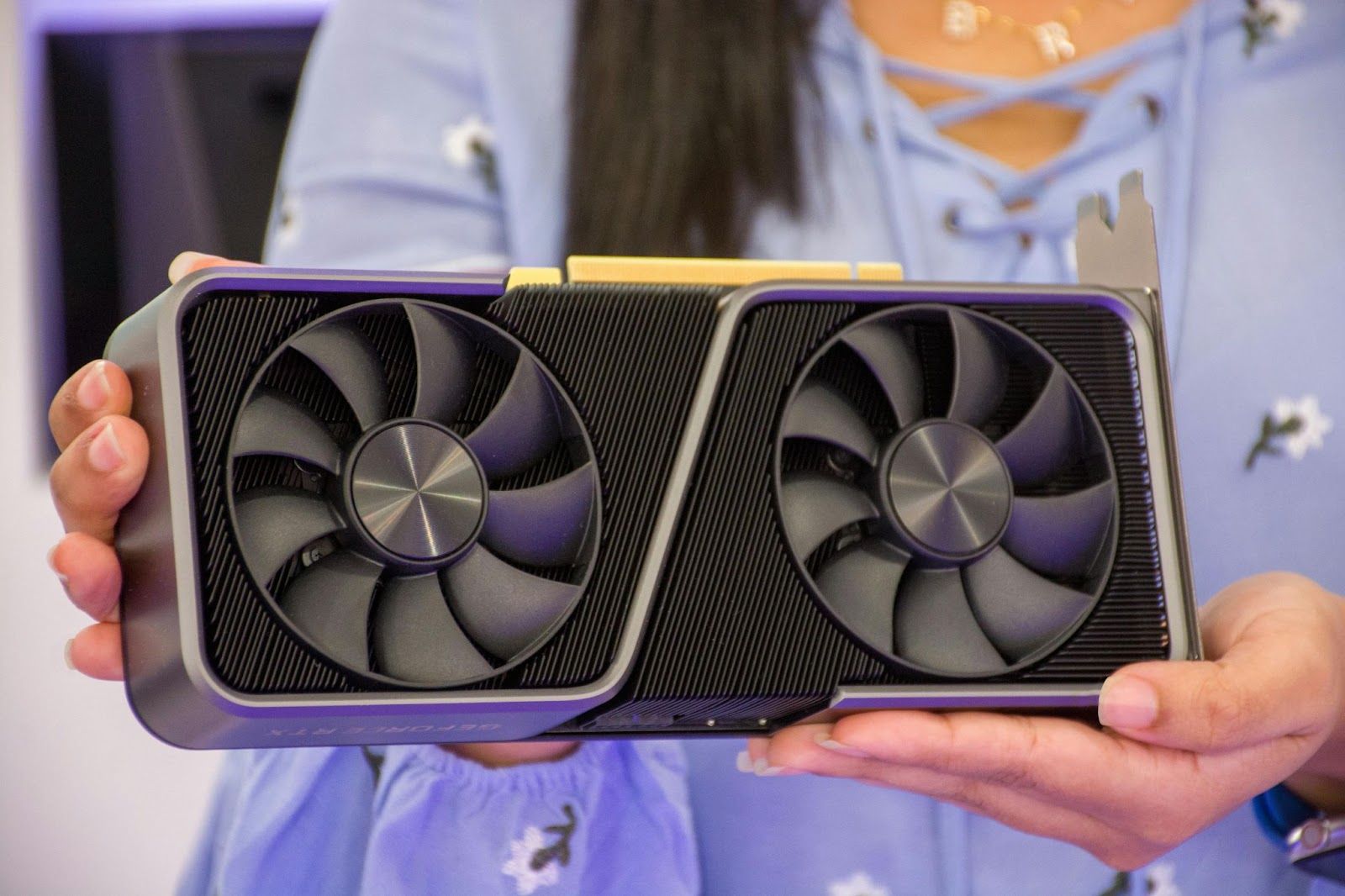
The graphics processing unit, or GPU, accelerates computer graphics and image processing. When used heavily for gaming, these units can be replaced every few years. Non-gamers may see their graphic processing unit last longer. When selling or replacing your old graphics cards, work with an electronic refurbishing company like SellGPU. We can take unusable GPUs and recycle the precious metals and other components.

2. Central Processing Unit 

Also called the “main processor,” central processing units execute the instructions of a computer program. As a principal computer component, outdated or broken CPUs can be refurbished and recycled. SellGPU provides an instant quote for old central processing units and will send you a box for convenient shipping.

3. Random Access Memory 

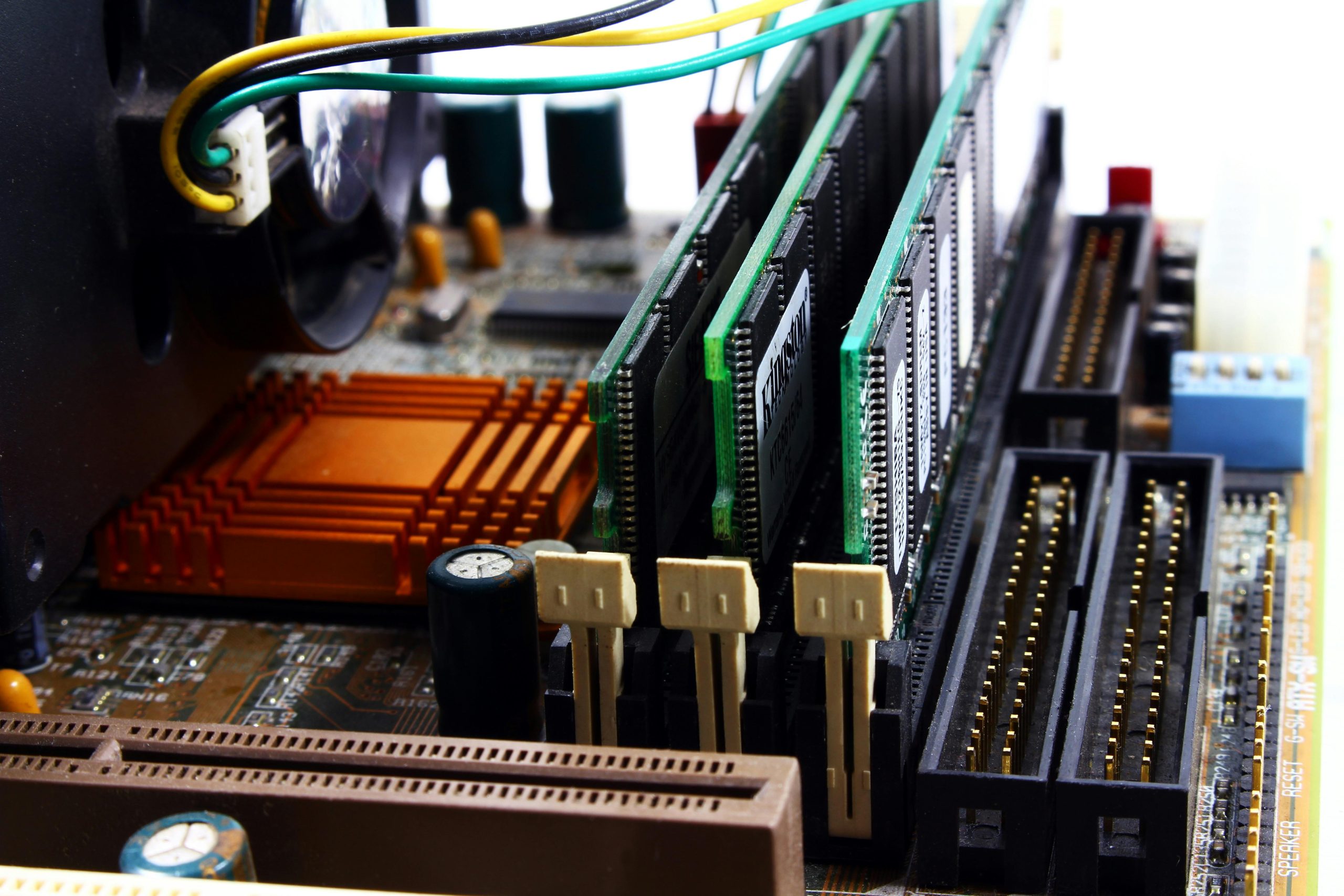
Random access memory (RAM) is a computer’s short-term memory. It may need replacing on a desktop or laptop that takes a long time to start up or has excessive lag with everyday tasks. There’s a healthy market for secondhand memory, and old RAM can be recycled for its copper and silver. Make sure to clean the discarded RAM with compressed air and erase any remaining data.

4. Solid-state Drive

Solid-state drives (SSDs) are used in place of hard drives for storing computer memory. They may not require frequent replacement, but physical damage or overuse can cause failure. SSDs use different technology compared to traditional hard drives and require special disposal. Before you sell computer SSDs for refurbishment, erase or encrypt your data and private information.

5. Complete Desktop or Laptop Computers

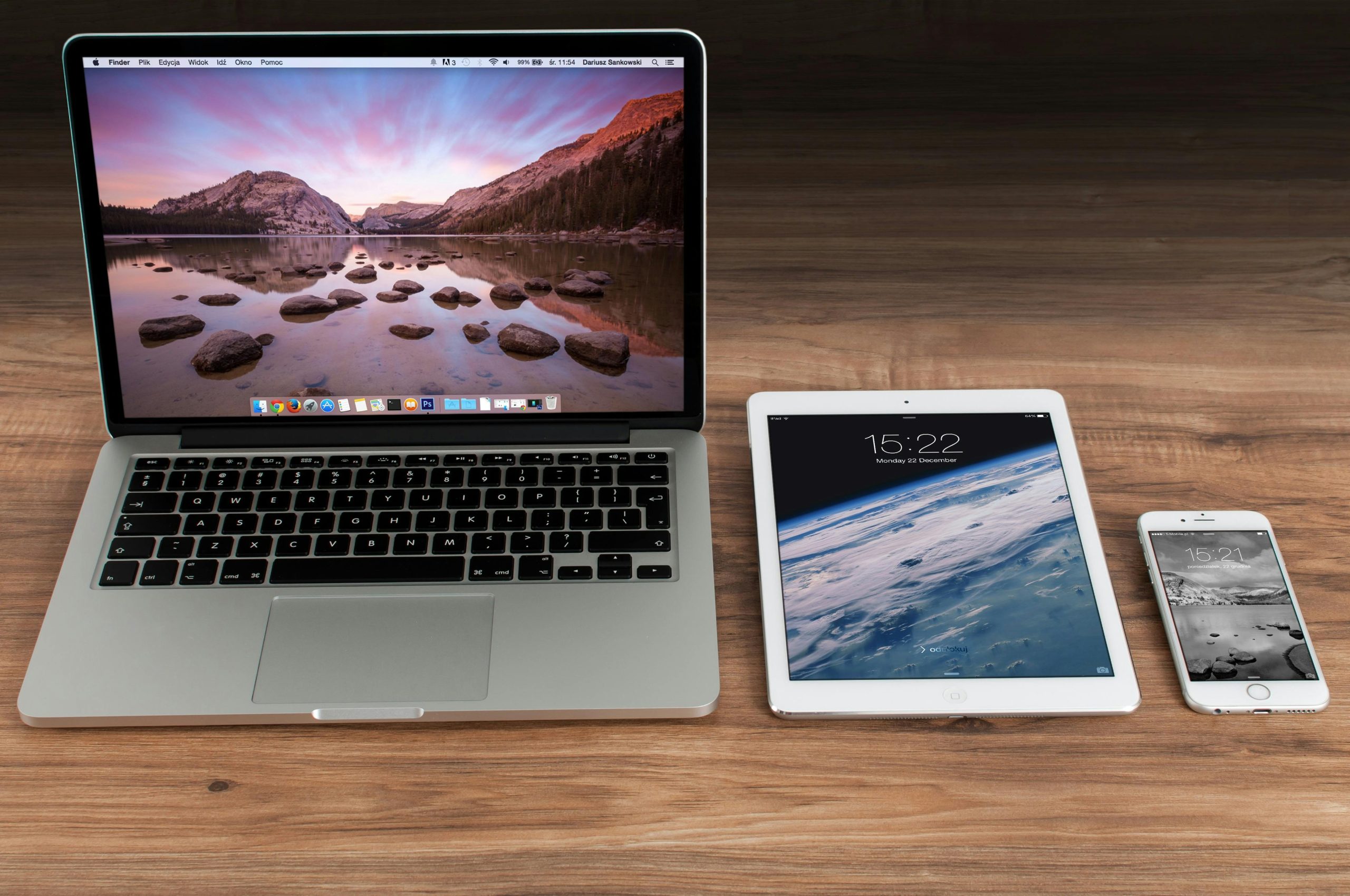
Modern technology makes recycling nearly every part of a computer or laptop possible. Circuit boards, power cords, batteries, and aluminum or plastic casings are all acceptable. If replacing a single component isn’t possible, you can sell your computer to be refurbished or mined for parts. Even if the computer will be torn apart for recycling, make sure to back up files, deauthorize software, and securely reformat the drive before sending it off.

Why Recycle Computer Elements?

E-waste makes up the majority of our toxic waste, with computers being among the more common hazardous items sent to landfills. Used electronics can contain mercury, lead, chromium, and flame retardants that are harmful to the environment when burned. Proper disposal and recycling of computer parts saves energy and protects the environment. At SellGPU, our online services make it easy to sell and recycle used computer components to reduce harmful emissions.

Sell Computer Parts To SellGPU

Unused electronics can be unsafe to store because of the toxic chemicals they contain. Long-term storage also prevents raw materials like gold and silver from being reused. Discard computer elements using a safe and convenient option, such as selling them online with SellGPU. Visit our site today to view our services and receive an online quote.